Dashboard - Maintenance

Jan 09, 2026
The Dashboard is specific to each User, and includes charts, counters, etc. that provide an overview of service requests, work orders and other parameters by one department or for all departments.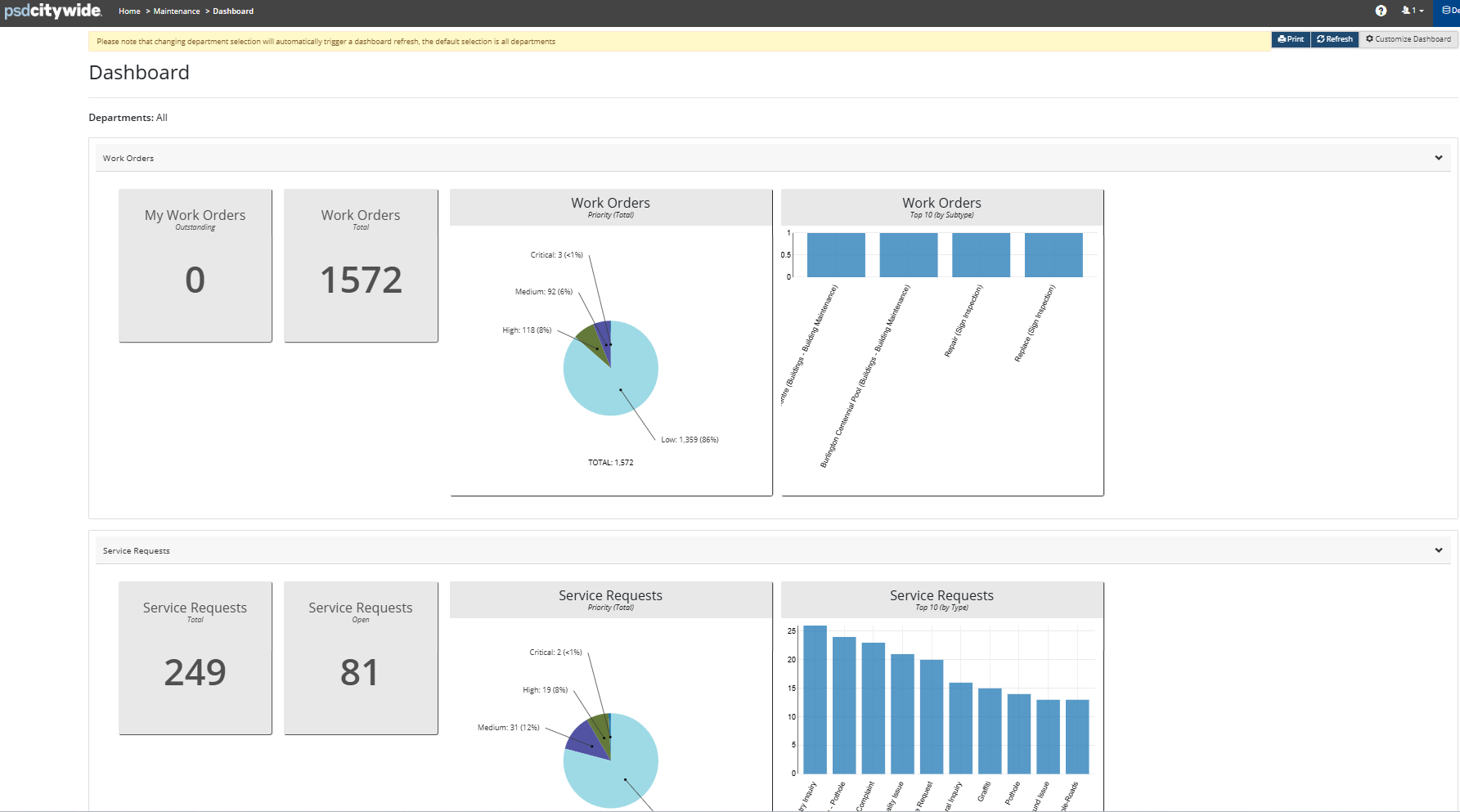
To customize the Dashboard:
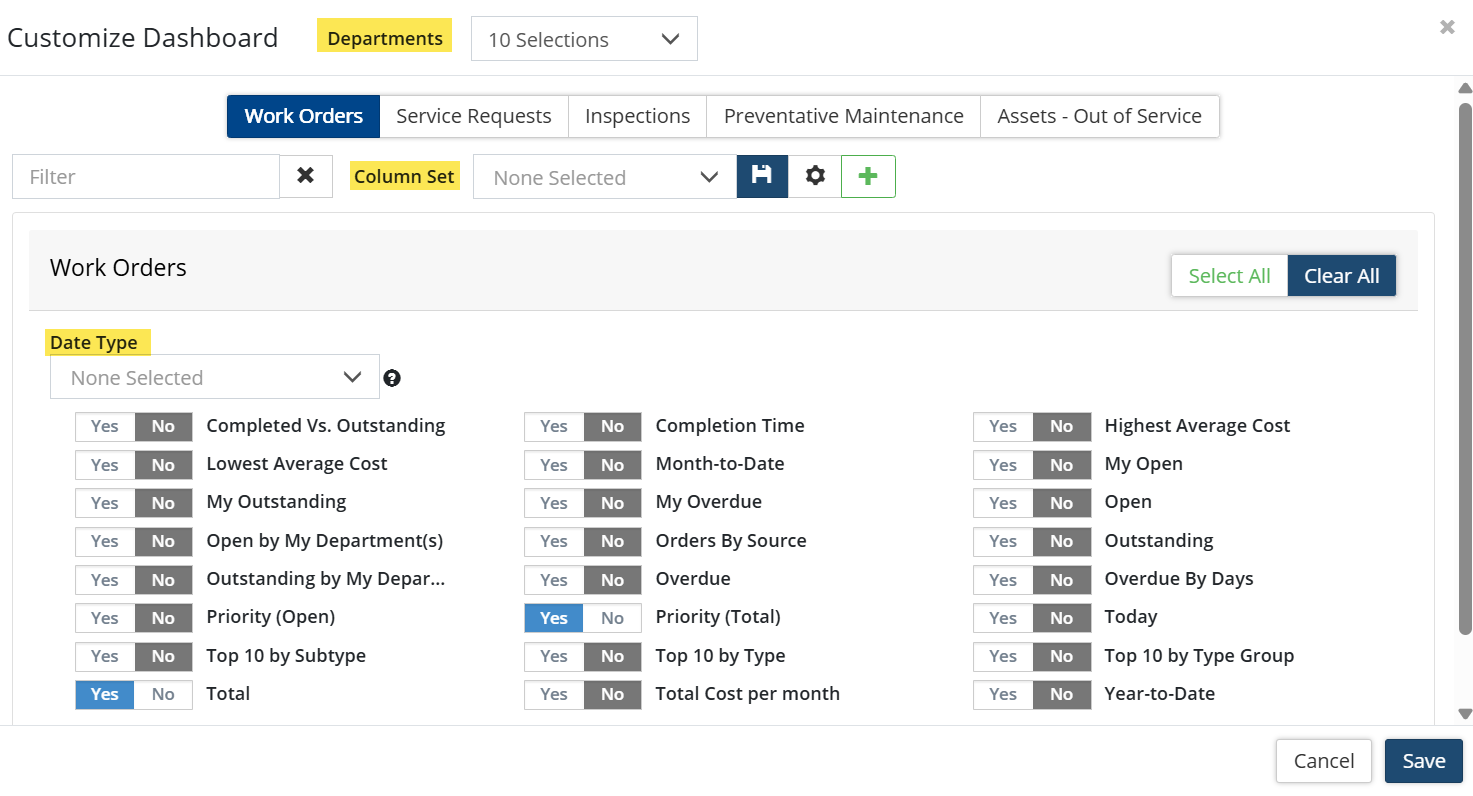
- Click Customize Dashboard in the top right. The available widgets provide quick references for tracking and reporting. Make your selection by setting widget flags to Yes. Include all Departments or users can choose to select only the department(s) data they wish to show on the Dashboard. The Customize Dashboard window is broken out with separate tabs for Work Orders, Service Requests, Inspections, etc. Each tab has it's own Date Type drop down allowing users to filter the dashboard to certain dates. Once widgets are customized, users can utilize the Column Set function to set their dashboard preferences.
- Click Save.
- The Dashboard can be modified or printed as needed.
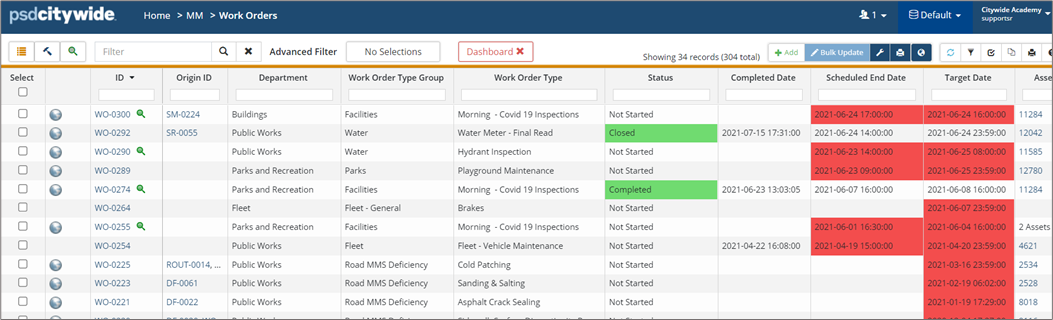
- Click the refresh button in the upper right to update the widgets to include the most recent information. Or click a widget, such as the Work Orders Overdue widget to navigate to the WOs grid filtered to show only those WOs being referenced by the widget.