


Weather Observations

Jan 22, 2026
MMS regulation requires the weather to be monitored and recorded at recommended frequency depending on season or at the discretion of the municipality. In winter, weather forecasts as well as actual weather must be recorded a minimum of 3 times a day.
To facilitate this requirement, use the Weather Log button on the Map of the mobile app home screen.
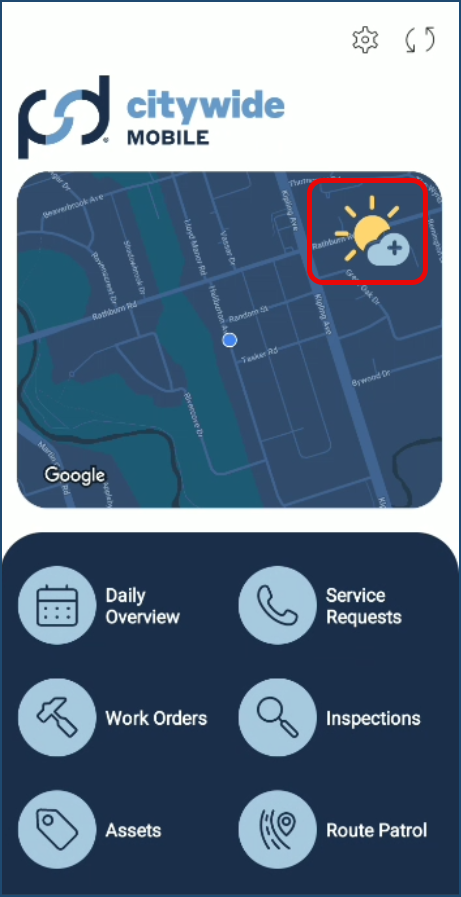
To record weather conditions on the mobile app:
- Click the Weather Log button on the Map
- Click Continue to log the weather condition
- The weather conditions at the user’s location are recorded on the device and the button is unavailable for the next 15 minutes.
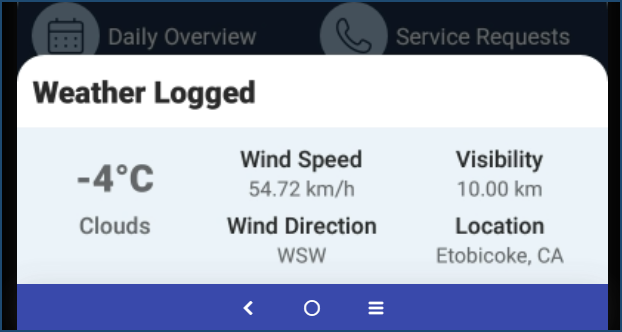
- Note: The user must have internet access to sync and log weather conditions.
- Click the Sync icon
 at the top right corner to synchronize the weather log data to Citywide.
 - Once data is sync is complete, the information is shown in Citywide Maintenance > Route Patrol > Weather Observations.
 The data can be searched, filtered, exported, and printed just like in other data grids.


