


Work Order Statuses

Jul 11, 2025
Overview
Statuses are used to define actionable steps in the workflow process when completing a Work Order. These are used at the Work Order level along with related Notifications. Work order notifications can be set up on the basis of specific statuses so that an email alert will be sent to a specific user when a certain work order status is selected.
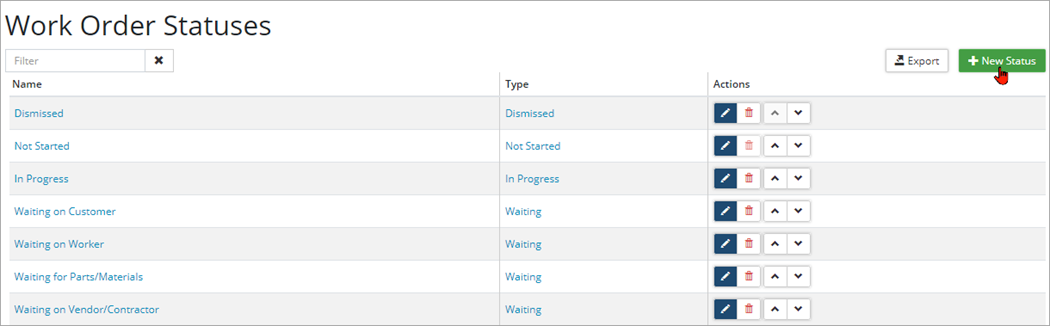
To add a new Status:
- Click +New Status.
- Enter a Name, and select a status Type.
- Click Add.
- Once a status has been added, click
 to edit or
  to delete.


