

Installation Profile Report

Last updated: Oct 30, 2024
Reports on the Year assets were put into service and shows Costing information. Data can be grouped by Classification or by Profile.
For a comprehensive overview or working with Asset Reports in general, see Working with Citywide Asset Reports: A Comprehensive Overview. For an overview of Asset Management Reports, click here.
Step 1
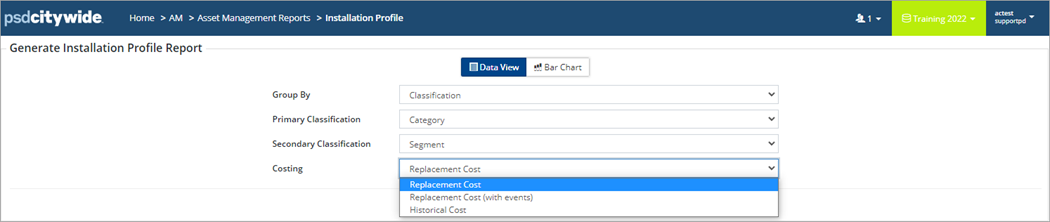
Step 2
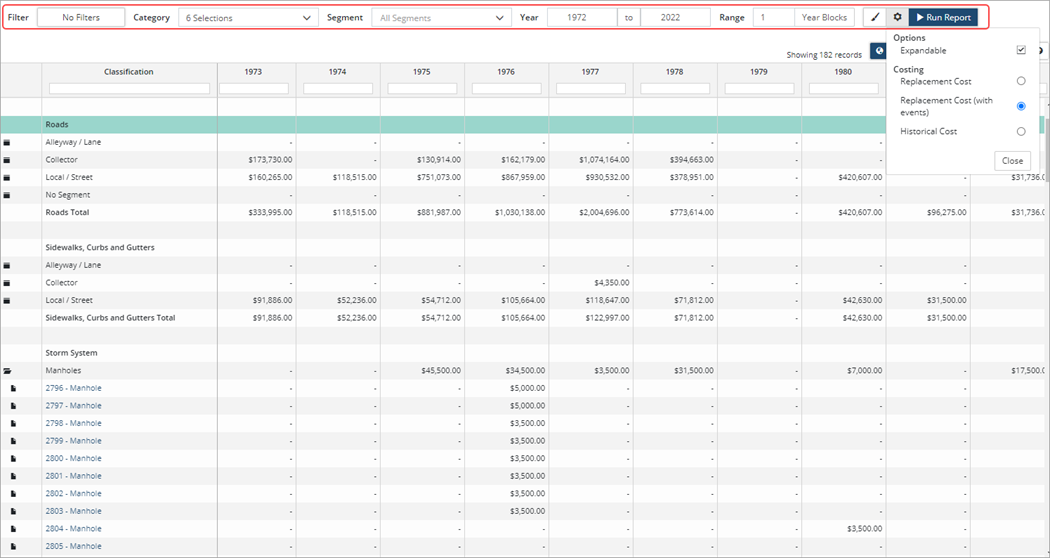
Once the report has been generated click  to change Costing information. Click Run Report.


