


Replacement Cost Log Report

Feb 24, 2025
The Replacement Cost Log Report is a multi-year report showing the most recently archived Replacement Costs in each year along with their date.
Step 1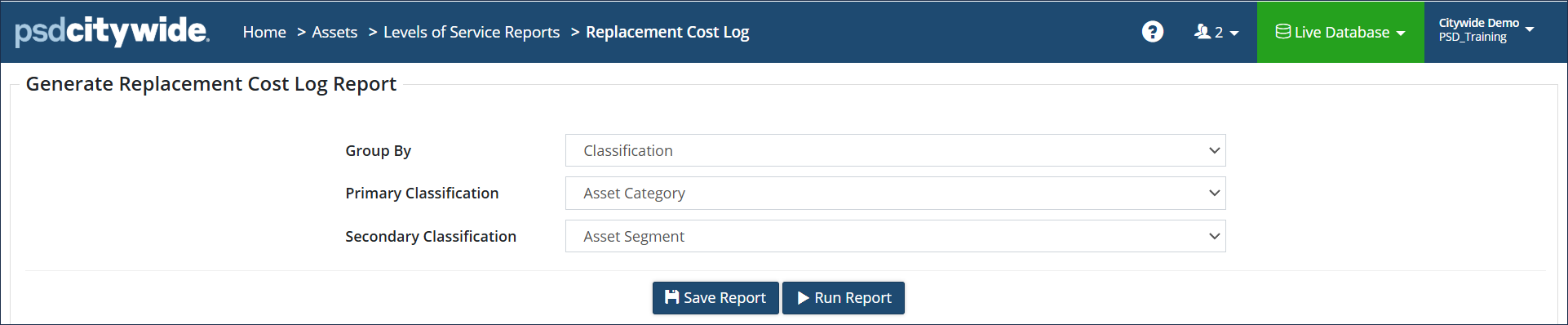
- Select a Group by option (Classification or Profile)
- Select the Primary and Secondary Classification or Profile
- Click Run Report
- Select any additional filters and your yearly date range at the top
- Click Run Report
Step 2
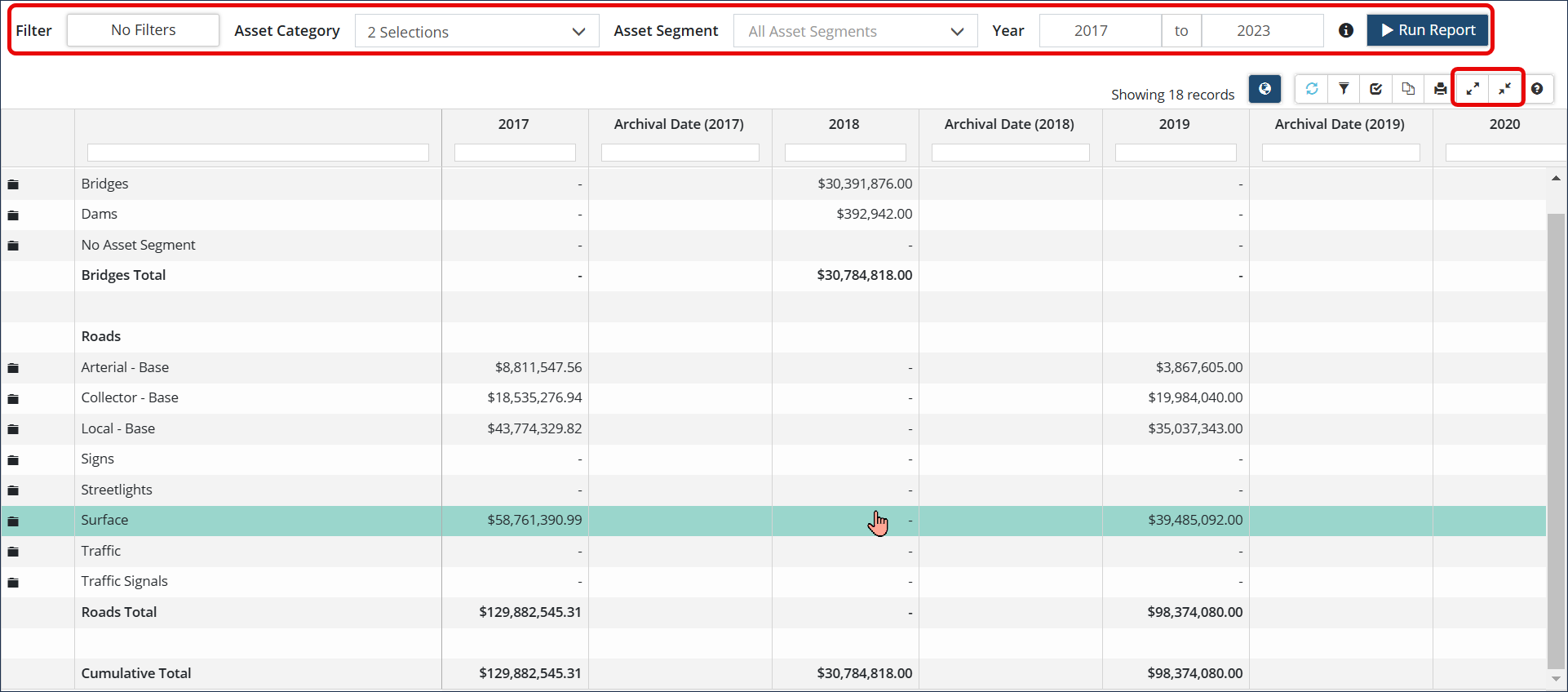
Once the report has been generated, click the Expand All/Collapse All  icons in the top right corner of the grid to view detailed data within the asset segment folders.


