User Preferences

May 05, 2025
Overview
Users can configure their own preferences and formats when using the Citywide database. Settings such as decimal places, clock format (12H or 24H) as well as upload a user signature for use in the Assets or Maintenance module.
To set up User Preferences:
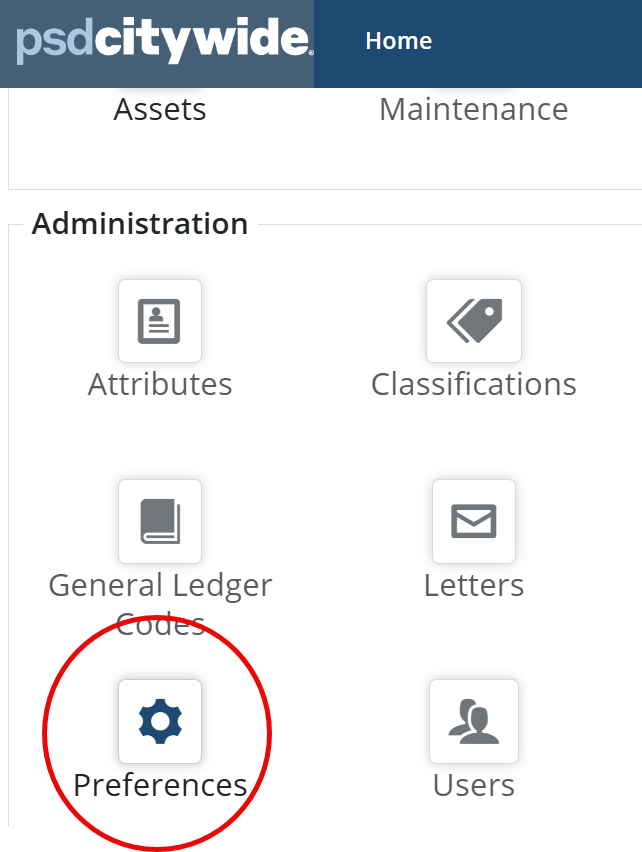
- Navigate to Home > Preferences
Global Preferences (only accessible for users with Core admin permissions).
- Areas - to group and organize properties
- Communities - to group and organize properties
- Risk Heatmap - can change the asset risk rating heatmap to a matrix on the asset and reports
Note: Changes made in Global preferences will be system wide.
 Select the desired global preference by changing the toggle to Yes or No, then click Update Global Core Preferences.
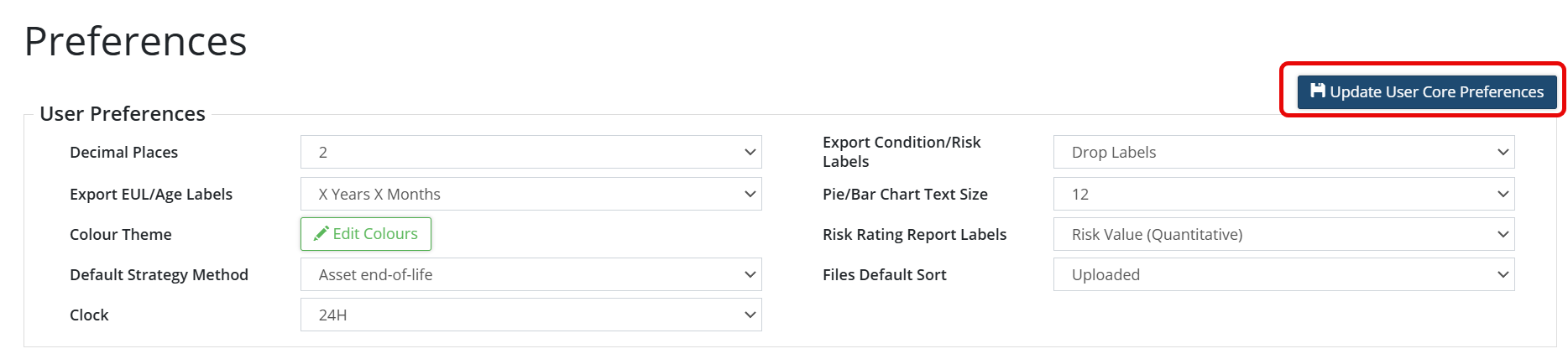
User Preferences as per below can be changed by the user as desired:
- Decimal Places
- Export Condition/Risk Labels
- Export EUL/Age Labels
- Pie/Bar Chart Text Size
- Risk Rating Report Labels
- Default Strategy Method
- Files Default Sort
- Clock
- On each desired setting, select from the drop down menu your preference.
- Click Update User Core Preferences to save your preferences
This signature will only be used in reports if you have access to the Maintenance or Permits module.
To Add a User Signature:
- In Preferences, scroll down to view User Signature.
- Click +New File.
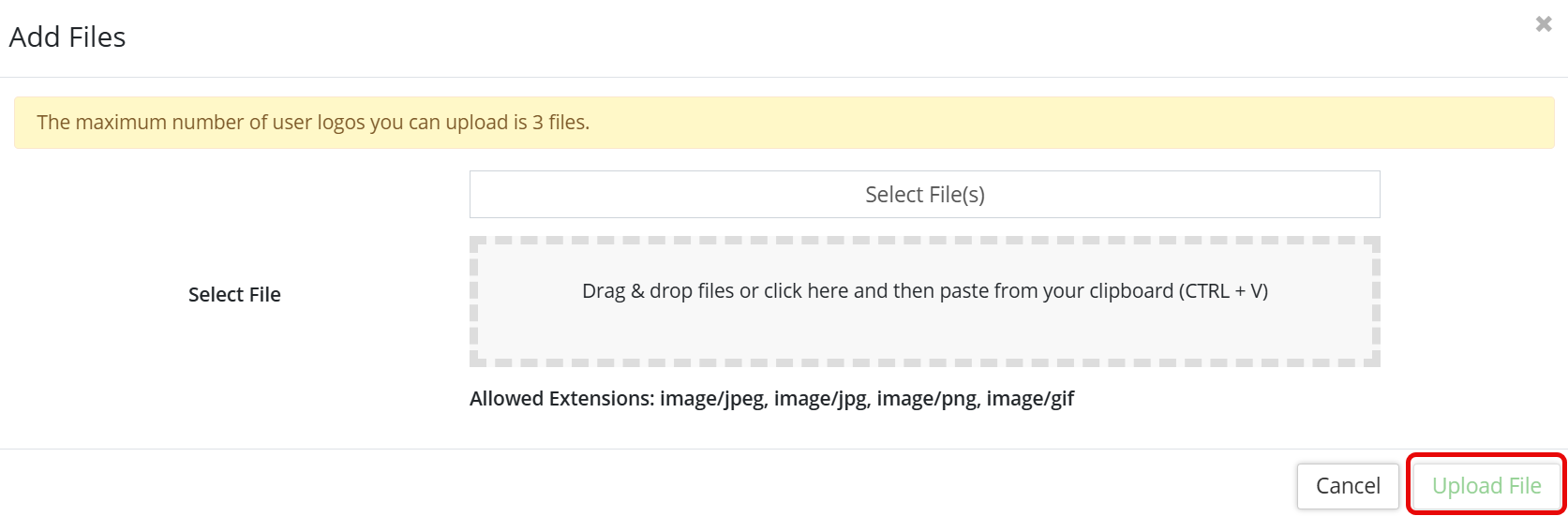
- Select a file from your computer and click Upload File.
- Once your file is uploaded, then click the ‘Set User Signature’ icon

- Then click the Update User Signature button.