


General Ledger Codes

Aug 06, 2025
General Ledger Codes can be added to the database to reference as needed.
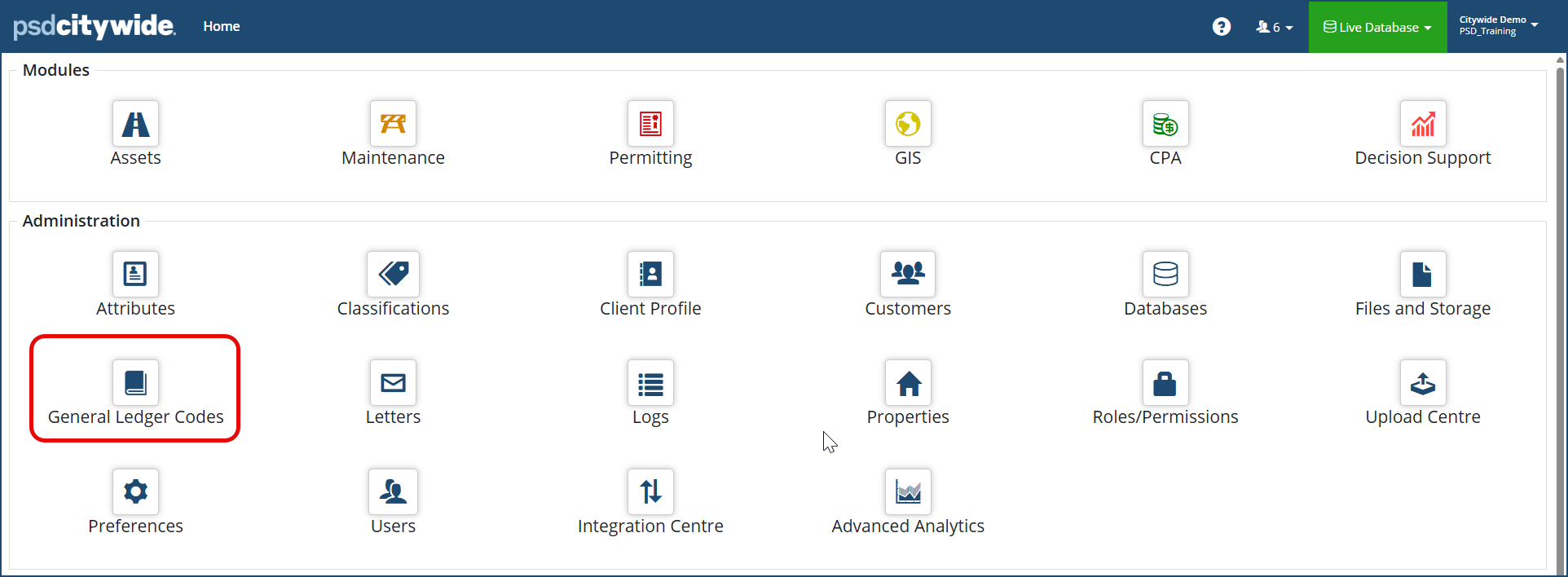
- From the Home page, click General Ledger Codes
- Click the +New Code .
- Enter a Code, Description and Type ❷.
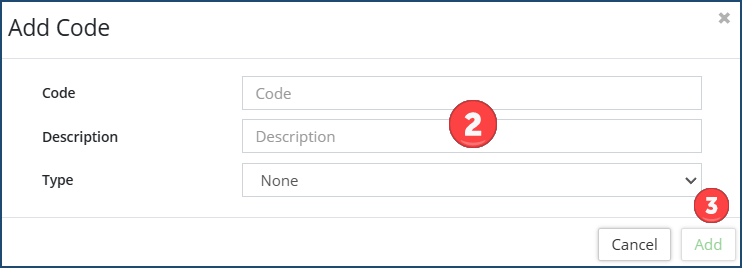
- Click Add ❸ to submit the new code.
To Edit a general ledger code, click on the Edit icon  in the list of codes and make the necessary changes.
To Remove a code, click on the Delete icon  .
.


