


Application Classes

Oct 09, 2025
Overview
Application Classes are optional classifications that can be used to group Planning application types. Application Classes as relevant to the Application Types in the system are created here and will appear in a drop-down list attached to the Application Class field in the New Application Type wizard, individual Application Types and Applications.
Navigate to Home > Permitting > Planning (Manage section)> Application Classes.
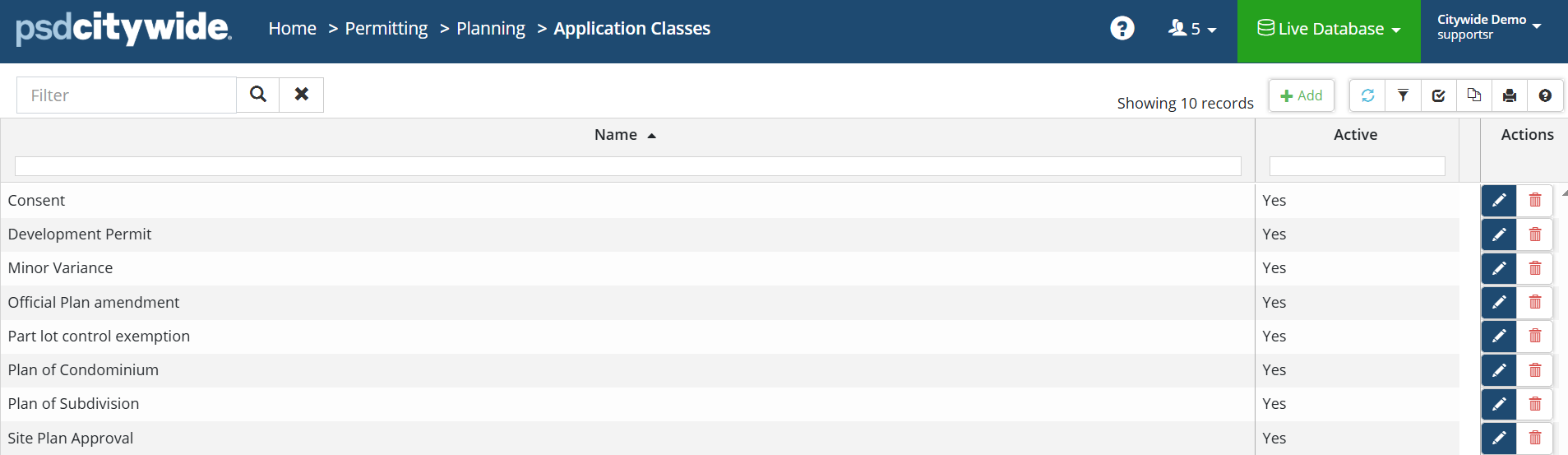
Add an Application Class
Click on +Add . The New Application Class dialog box appears:
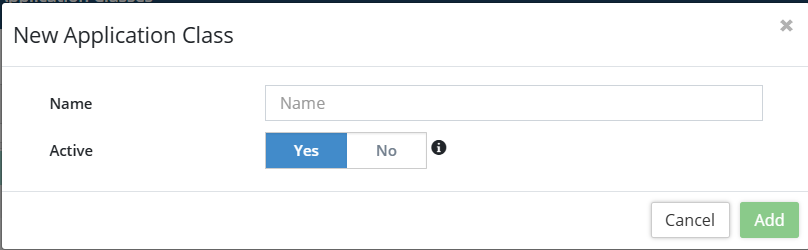
- Provide a Name for the new Application Class.
- Click Add.
Click on the Edit icon under Actions. The Edit Application Class dialog box appears:
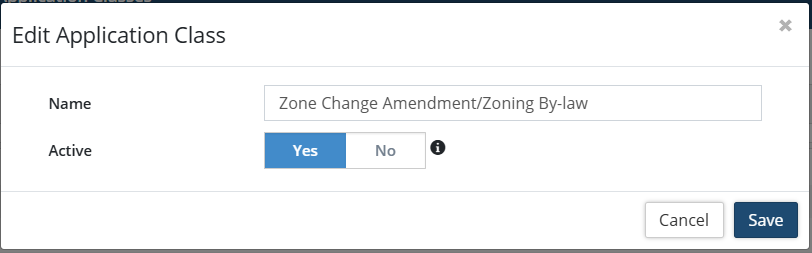
- Rename the Application Class.
- Click Save.
Click on the Delete icon under Actions. The following dialog box appears:
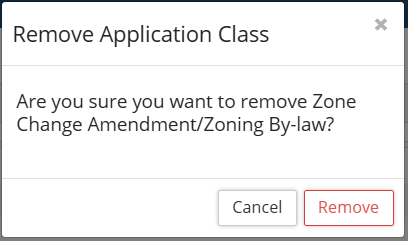
- Click on Remove to delete the Application Class.


