


Certifications

Jan 22, 2026
The Certifications section is used to manage all certifications that are then used at the Worker level as needed.
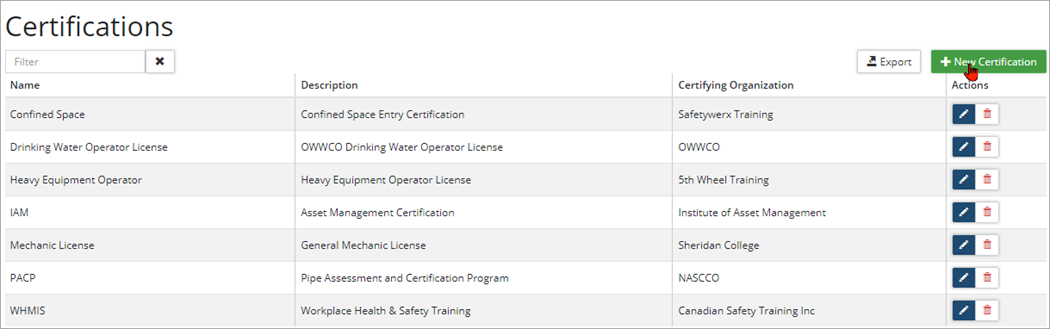
To add a new Certification:
-
Click +New Certification.
-
Enter a Name and applicable details as needed (ie. Description and Certifying Organization)
-
Click Add.


