


Source Types

Jan 22, 2026
The Source Types section is used to manage source types for service requests and work orders.
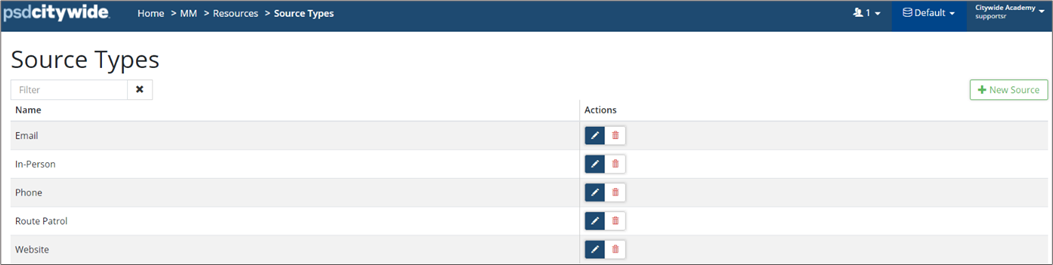
To add a new Source Type:
-
Click +New Source. Enter a source type and click Add.
-
To edit an existing source type, click Edit
 .
. -
To remove an existing source type, click Delete
 .
.


