Account Number Key Segments
The COA Class Key for Operating Plan is called the Account Number.
It is configured in Model Administration > Classes > Operating > Key Segments.
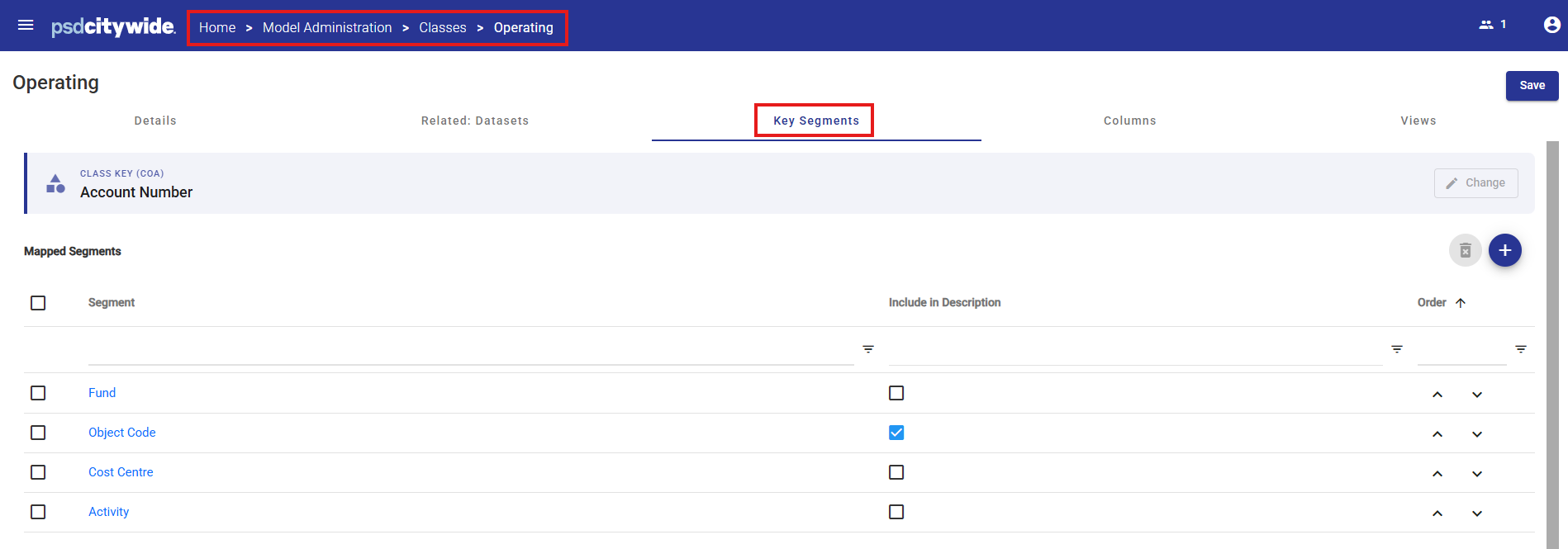
All Attributes that are flagged “Include in Key Segments” in the Attributes area are available as Mapped Segments.
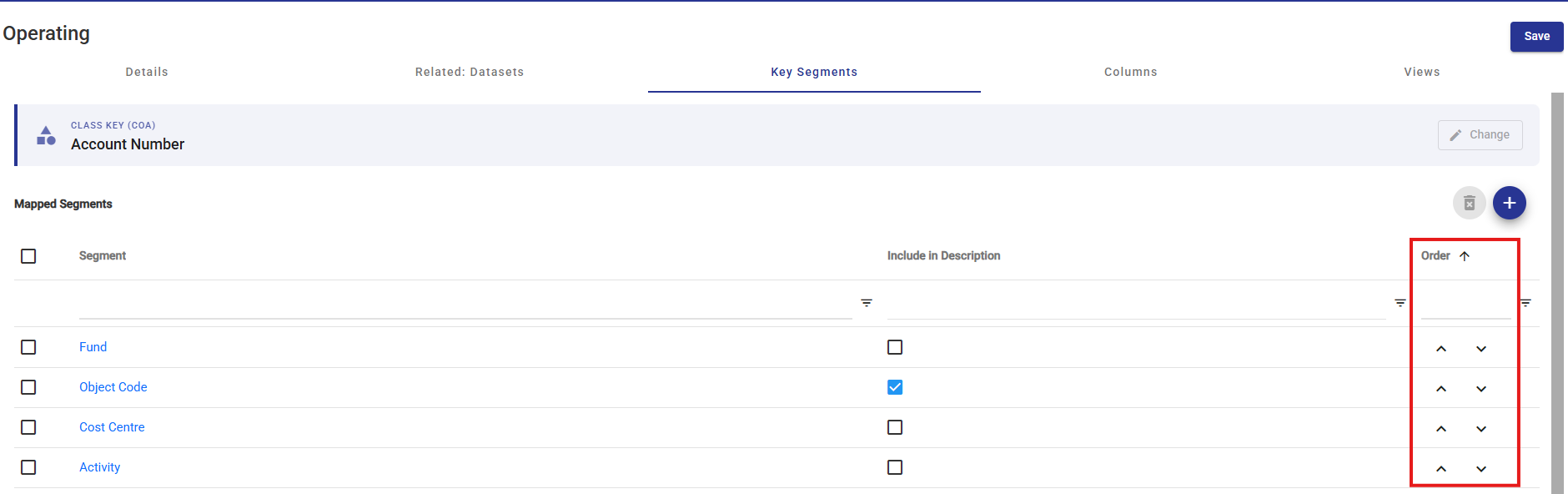
Key Segments must be arranged in the same order used in the organization’s ERP system.
The segment order can be adjusted using the up and down arrows in the Order column.
Typically, this configuration is completed during implementation by a PSD Advisor, and changes are rarely required after the initial setup.
Account Number Item Descriptions
Each individual Account Number Item includes a description, which is usually constructed from the description(s) of one or more of its related Key Segments.
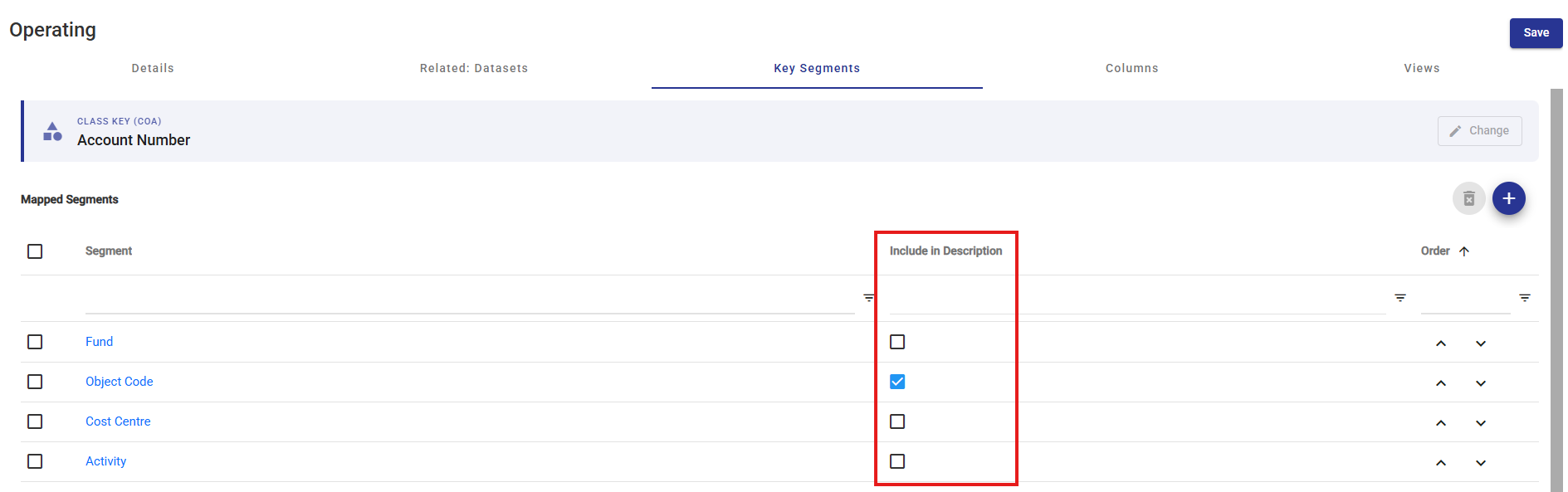
To define the default description to be used when new COA Class Key Items are created using Citywide Budgeting system tools and automations, select the checkbox next to one or more Key Segments.
If more than one segment description is selected, the system will combine the descriptions, in the order specified, separating each with a " - ".