


Usage Types (Spaces)

Aug 13, 2026
Overview
Usage Types are used to track utility information for the space. Utility usage types such as water, gas, or hydro can be defined here. Once the usage type is defined in the module, then utility bills can be tracked on the space.
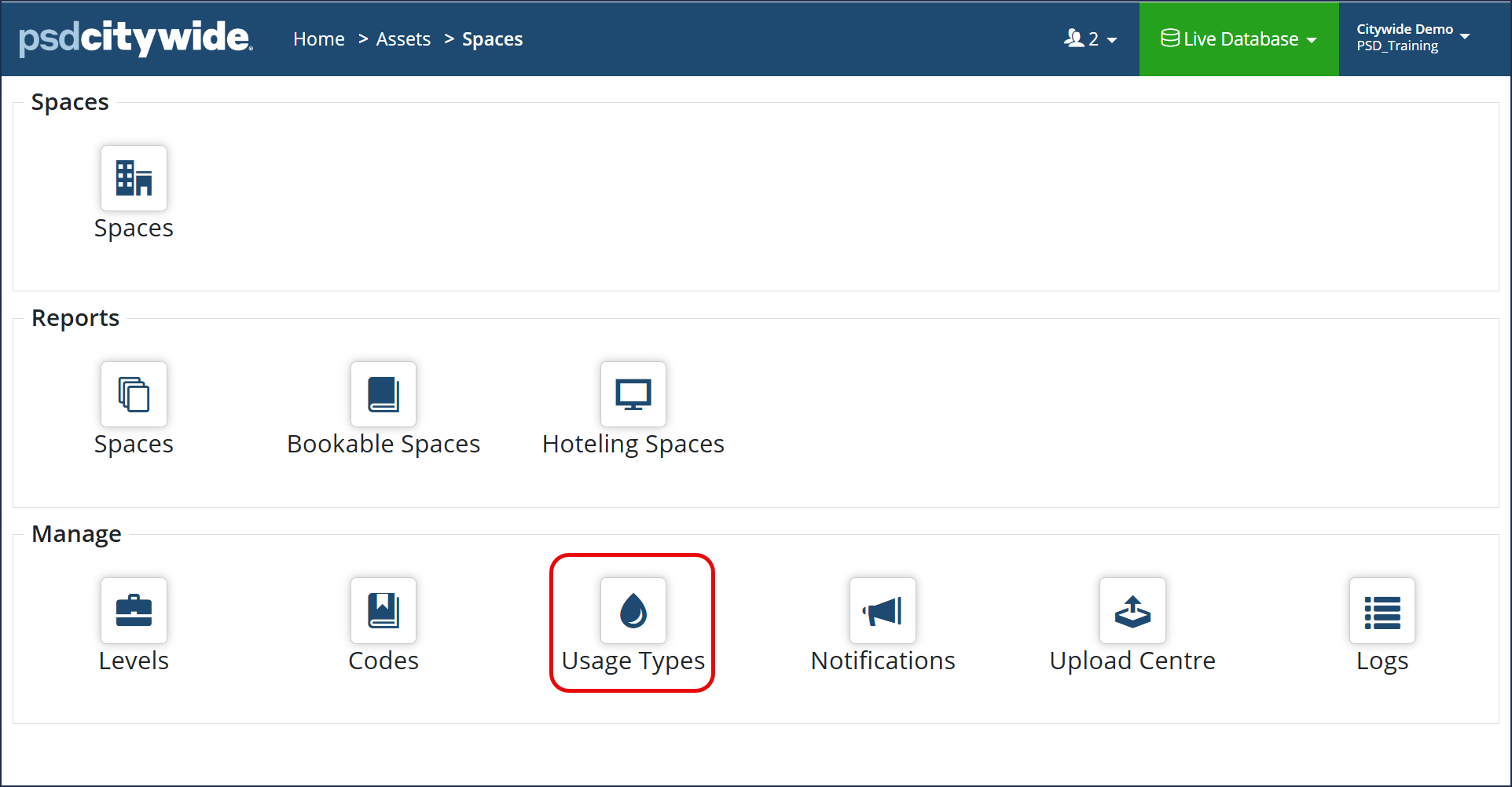
Navigate to Home > Assets > Spaces > Usage Types
- Click +Add on the Usage Type grid. The Add Usage Type dialog box appears:
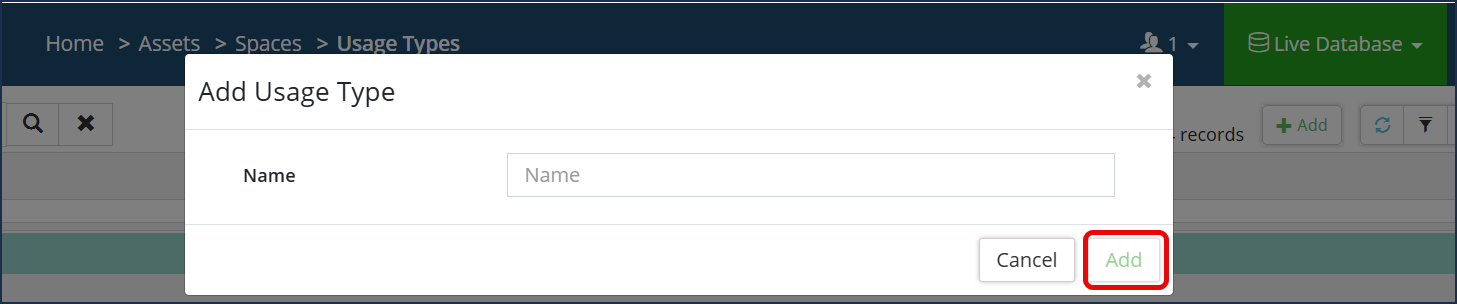
- Enter the usage Name.
- Click Add .
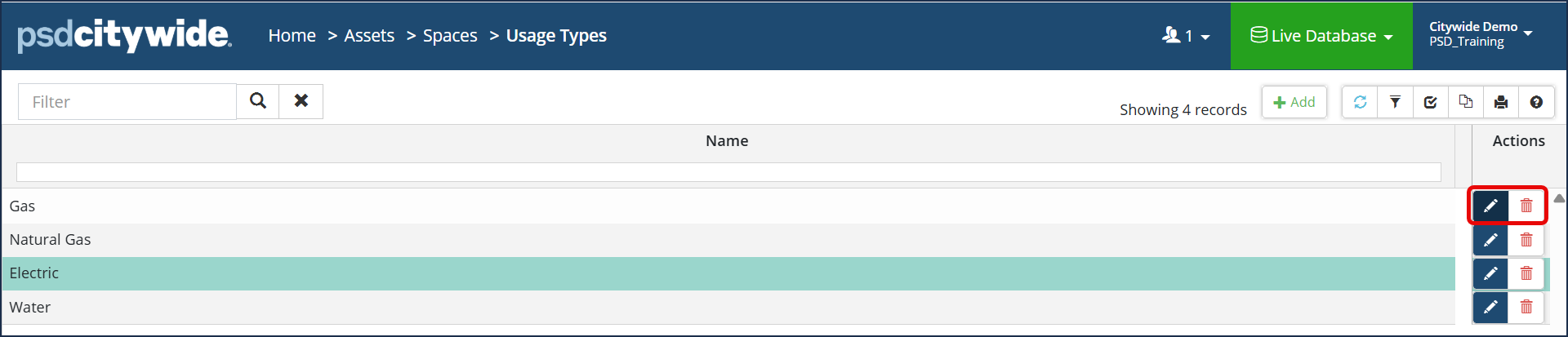
- Click the Edit tool
 .
. - Make the required changes.
- Click Save.
- Click the Delete tool
 . When prompted, click Remove


