


Codes (Spaces)

Aug 18, 2026
Overview
Codes can be defined to identify or reference the level or tier within the space. They could be room, building, or site codes customized to your needs.
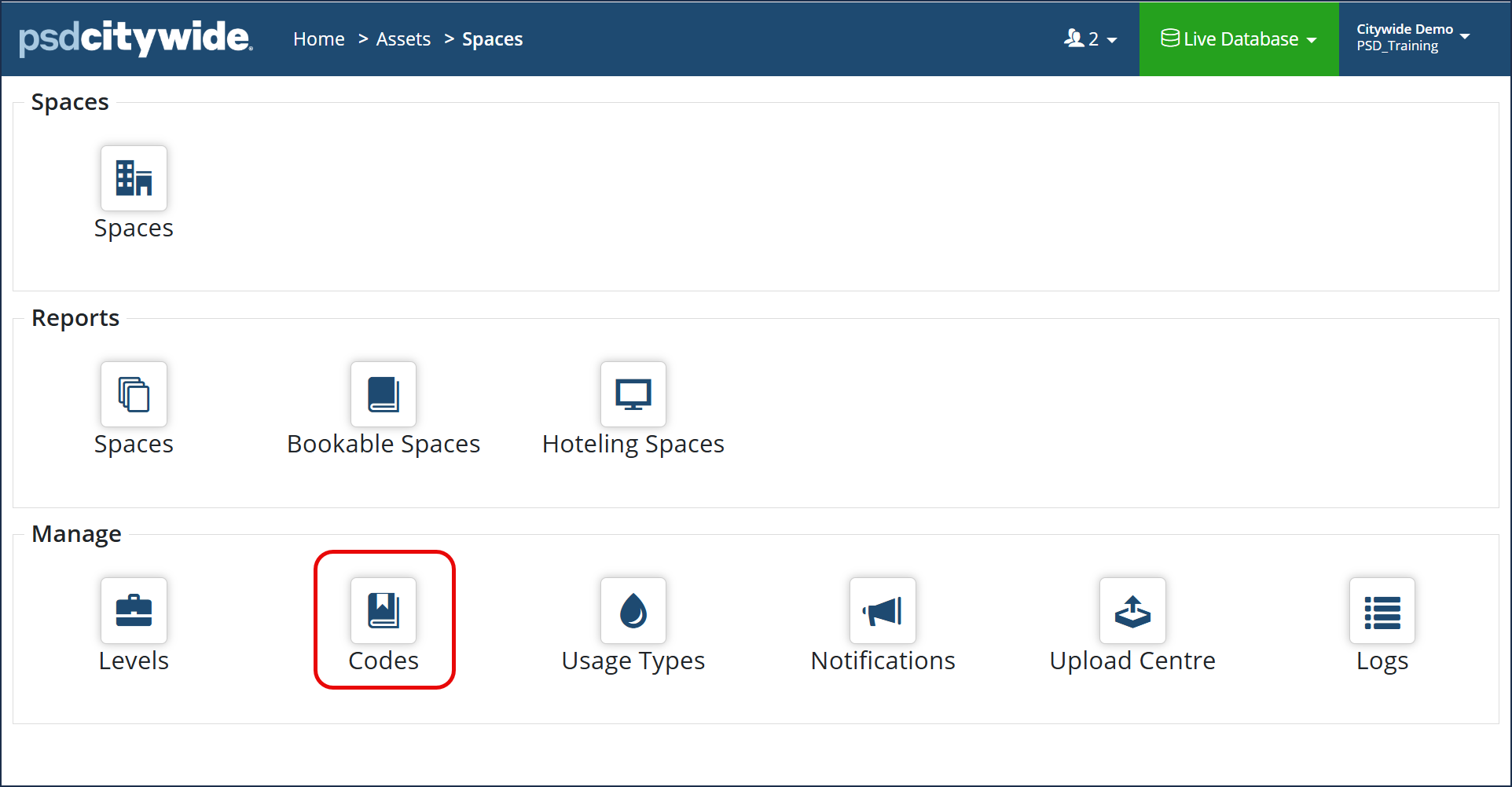
Navigate to Home > Assets > Spaces > Codes
- Click +Add on the Codes grid. The Add Code dialog box appears:
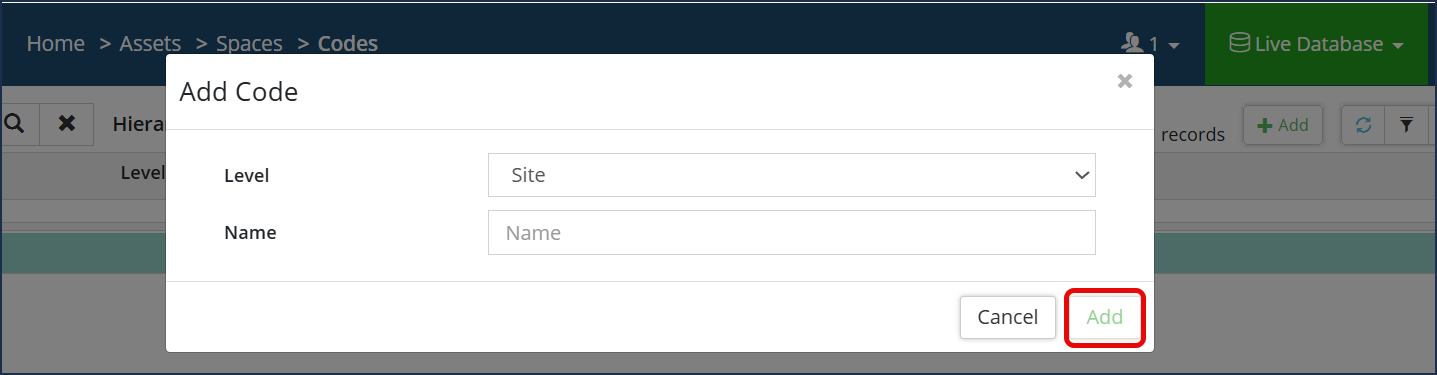
- Select the Level the code applies to. Your customized tiers will appear in the drop down.
- Enter the code Name. This can include any letters, numbers or special characters.
- Click Add .

- Click the Edit tool
 .
. - Make the required changes to the Level or Name
- Click Save.
- Click the Delete tool
 .
. - When prompted, click Remove


